
Open the Sign Up Window
Select Sign Up in the main page header or on the app start screen.
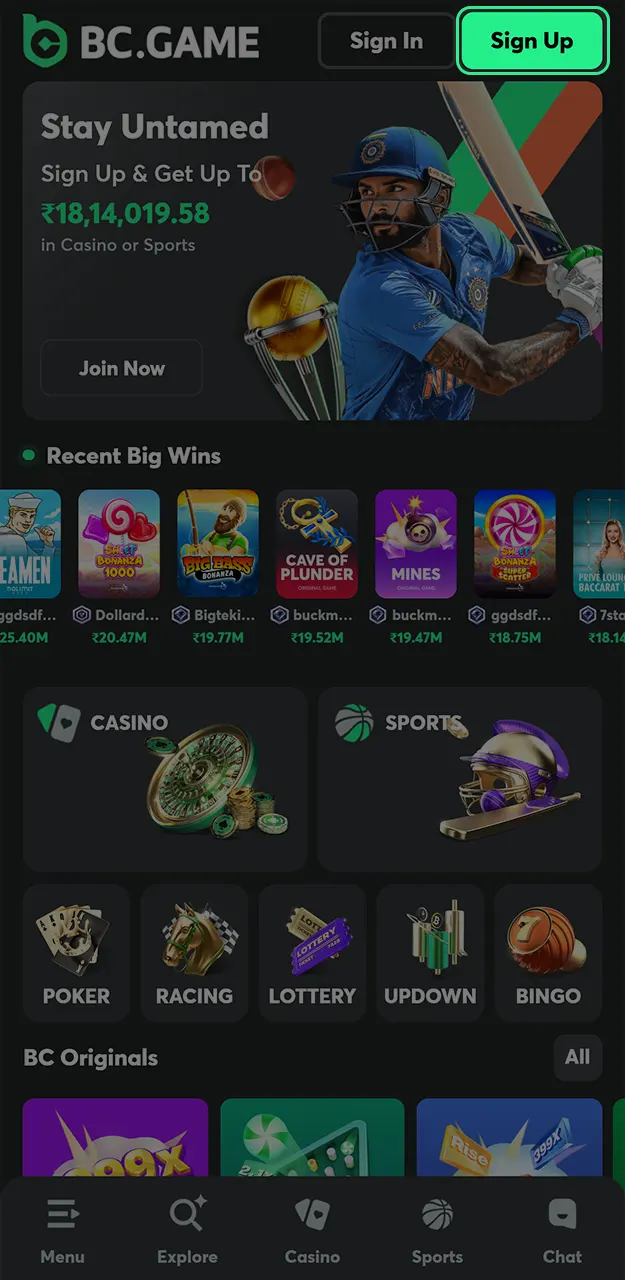
Account creation opens access to sports betting, casino sections, original games, and wallet tools. Registration works through the website and mobile application with identical functions. New accounts connect to bonuses, referral rewards, and account security tools after completion. Verification is optional at first, but your first withdrawal or an account recovery may require KYC. All registration steps follow a controlled and transparent structure.
New accounts receive access to bonus programs and codes after successful sign-up and first activity. Bonus availability depends on selected sections and deposit type. All BC Game India bonus terms appear before activation inside the account.
| Bonus Type | Bonus Amount | Details | Release Rule | Limits |
|---|---|---|---|---|
| Deposit Bonus (first 4 deposits) | Up to 360%: 180%, 240%, 300%, 360% | Credited in BCD, for casino and sportsbook | Released as you play, per the bonus terms | Min deposit and max bonus per tier shown in the deposit window |
| Welcome Lossback | 20% up to $300 | For new players | Bonus terms apply | Once per account |
| Daily Lucky Spin | Free prizes: BCD, free spins, crypto | One free spin of the wheel | Shown in the reward card | Once a day |
| App Install Cashback | Up to $100 | Claimed on the Quest page, scales with VIP level | Shown in the reward card | Once per account |
The registration process follows a short sequence that works the same on desktop, mobile browsers and the BC Game app. All required fields appear on one screen for clarity.
Select Sign Up in the main page header or on the app start screen.
Enter your email address and set a password.
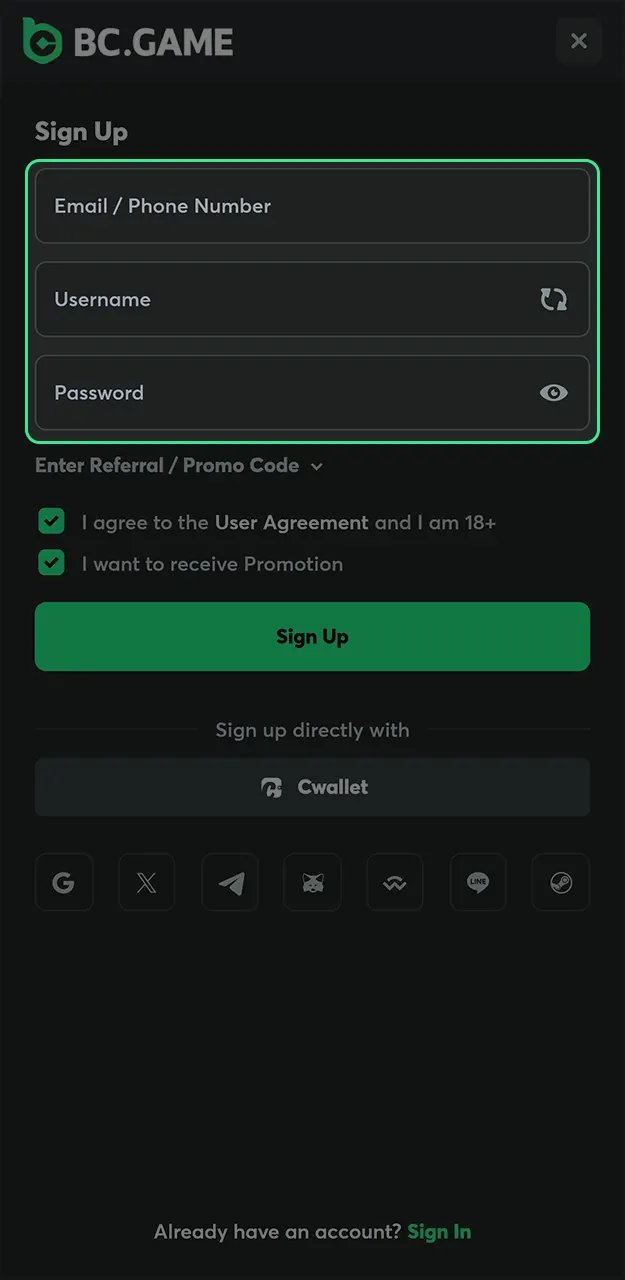
Enter a referral or BC Game promo code if you have one. This step is optional.
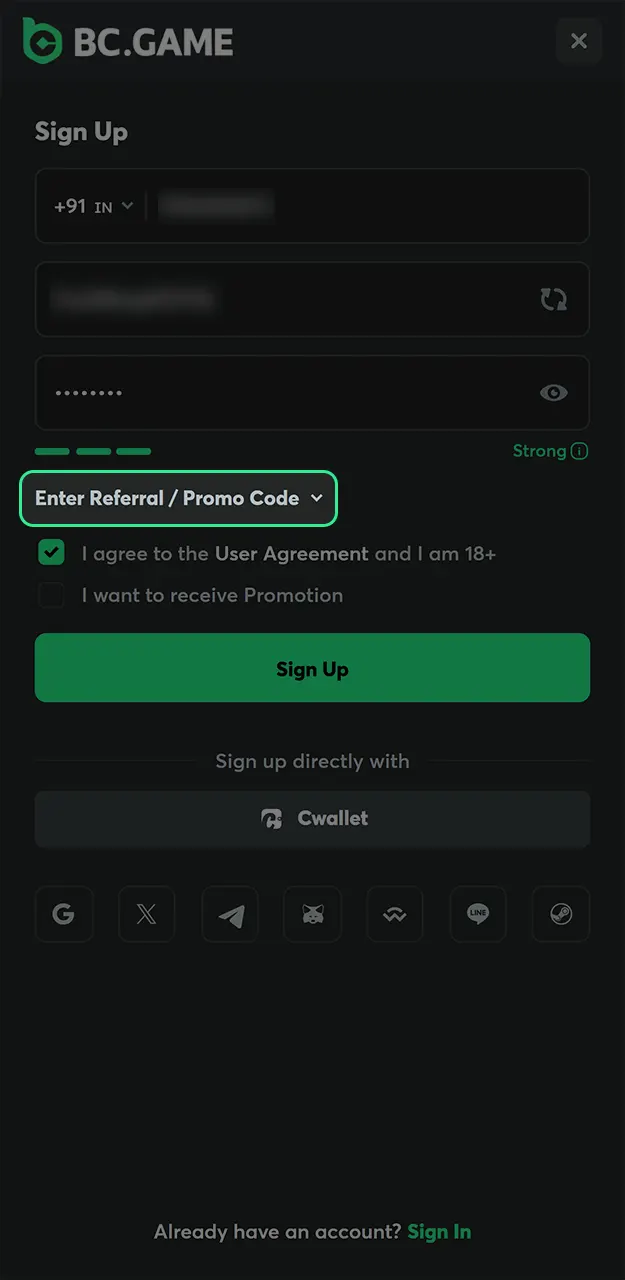
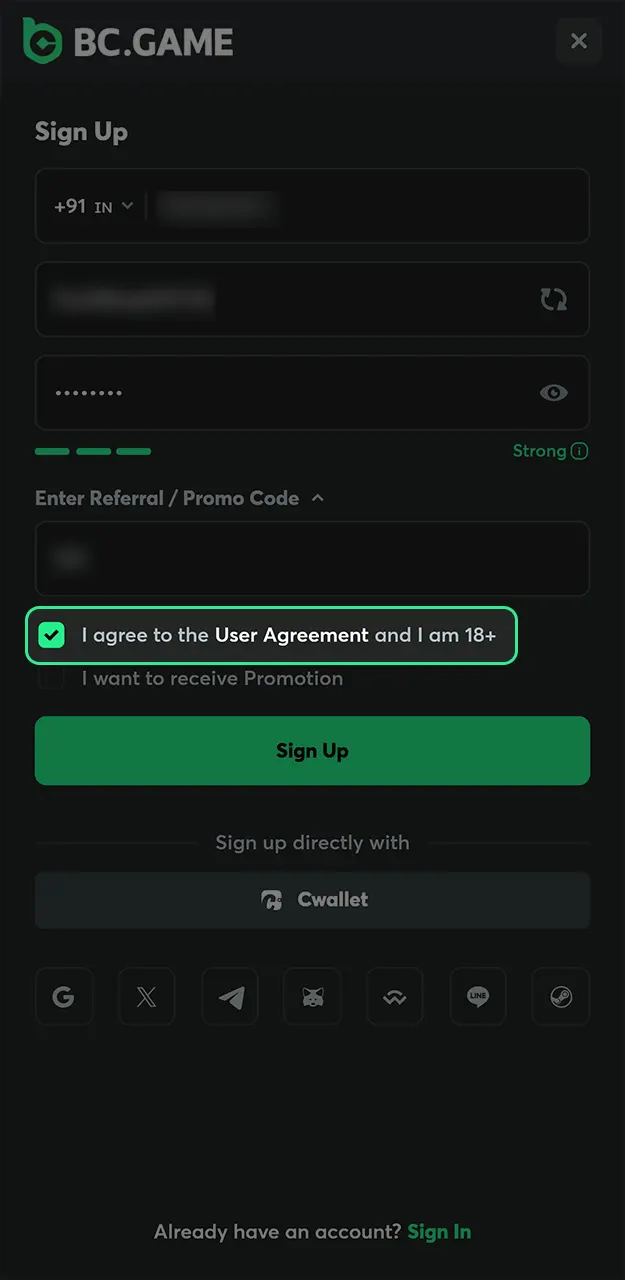
Confirm that you are 18+, accept the Terms and confirm that you are not in a restricted jurisdiction.
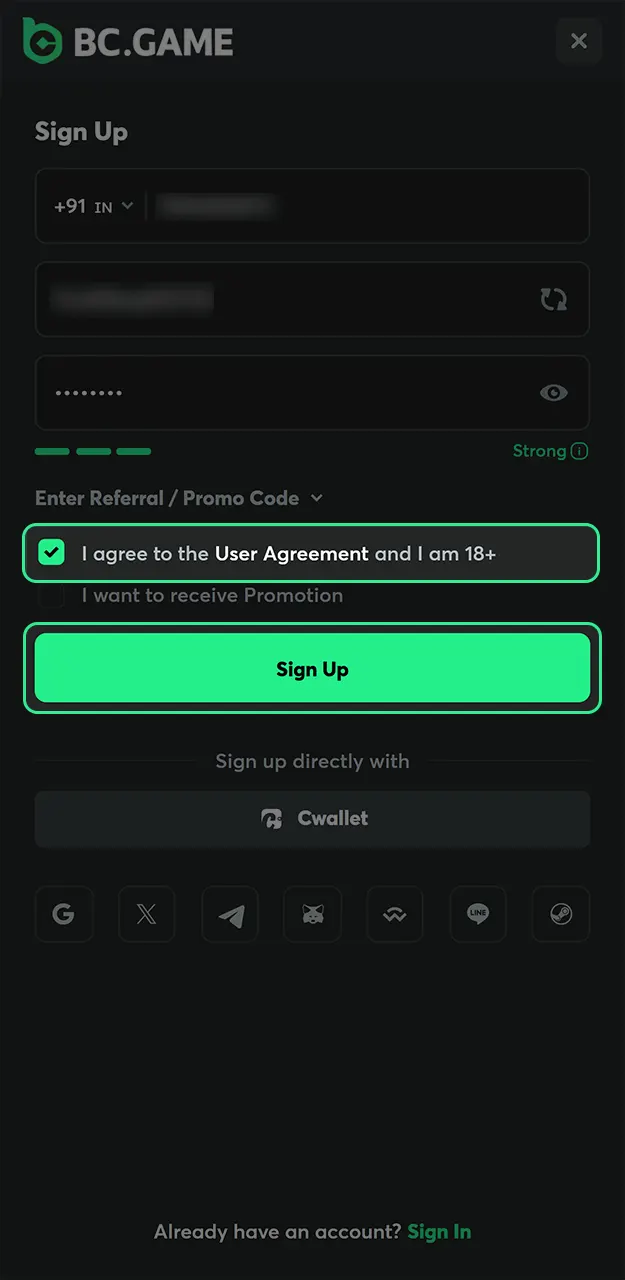
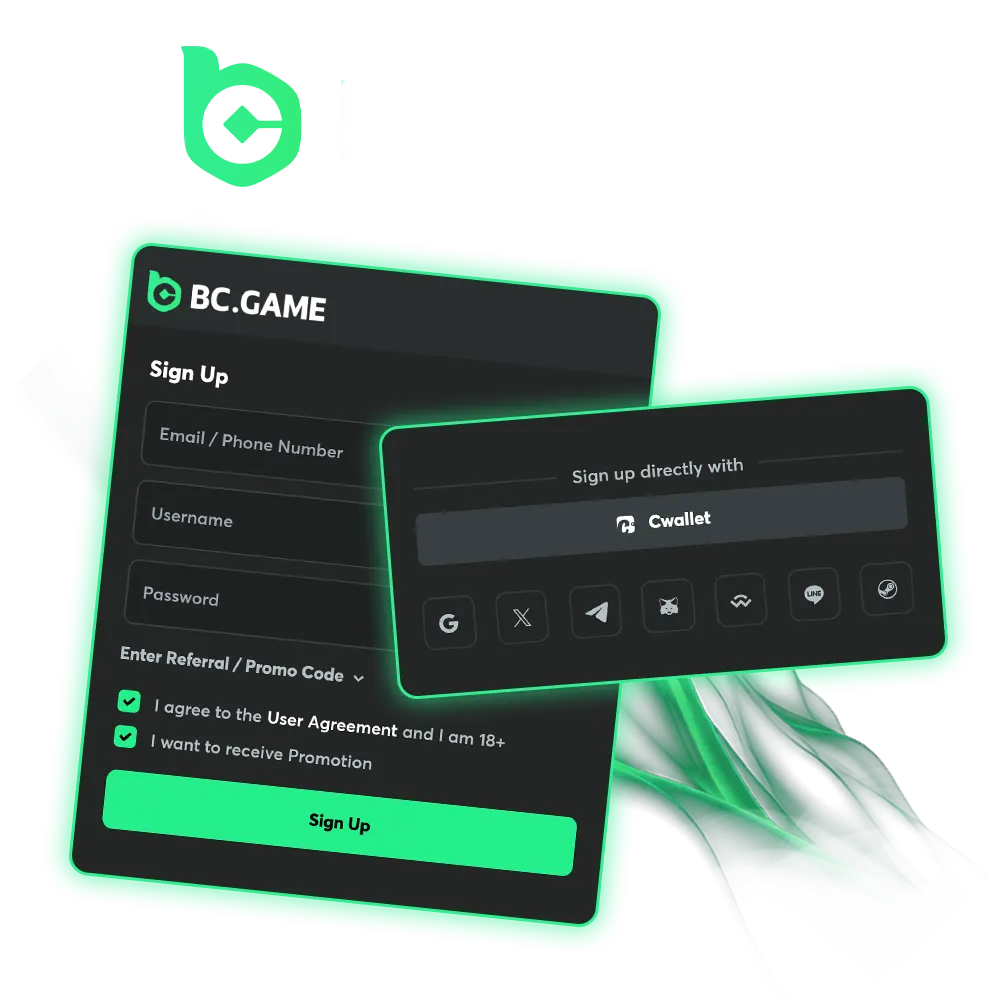
Social registration allows faster access without manual data entry. Each option links a verified social profile to a new account.
Supported options include Google, Telegram, Cwallet and more.
The mobile application supports full registration with the same rules as the website. Installing the BC Game app also unlocks up to $100 exclusive app cashback on the Quest page.
Download the Android APK from our app page or the iOS app from the App Store, then open it.
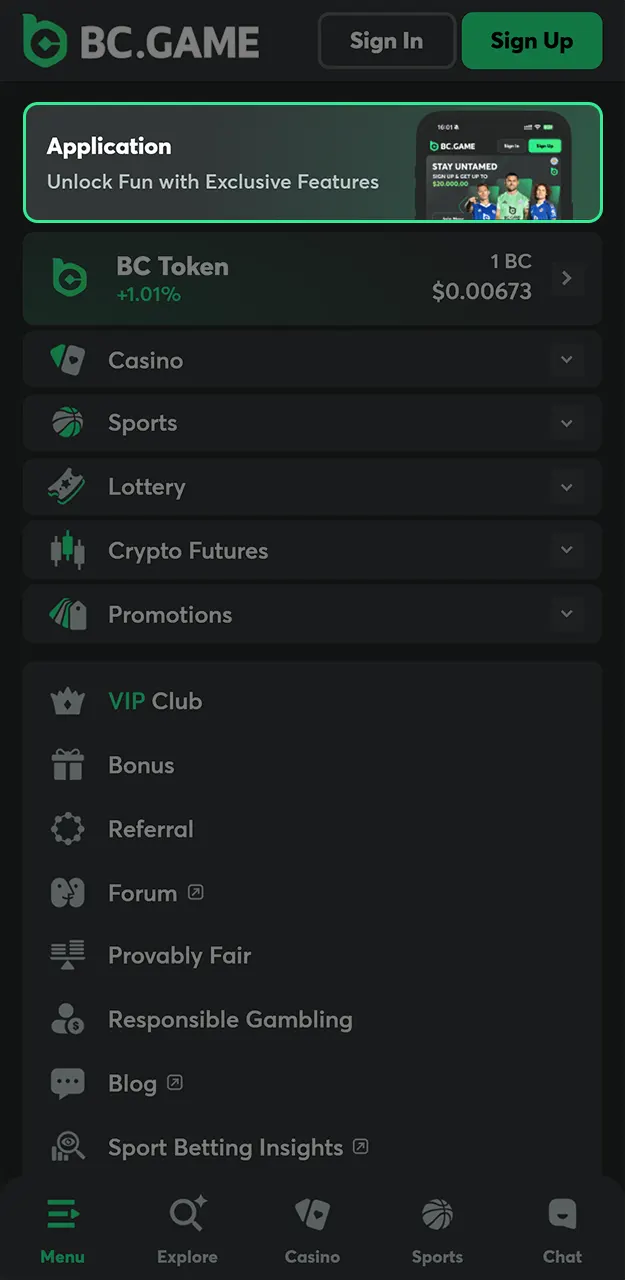
Select Sign Up on the start screen.
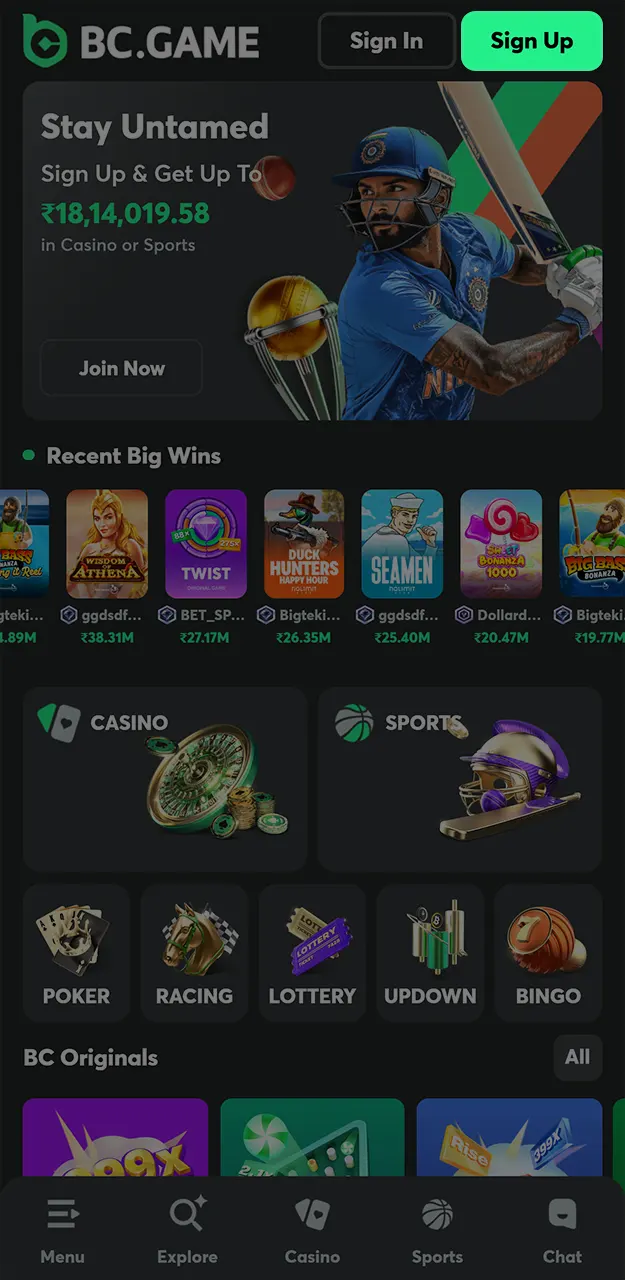
Add your email address and a password.
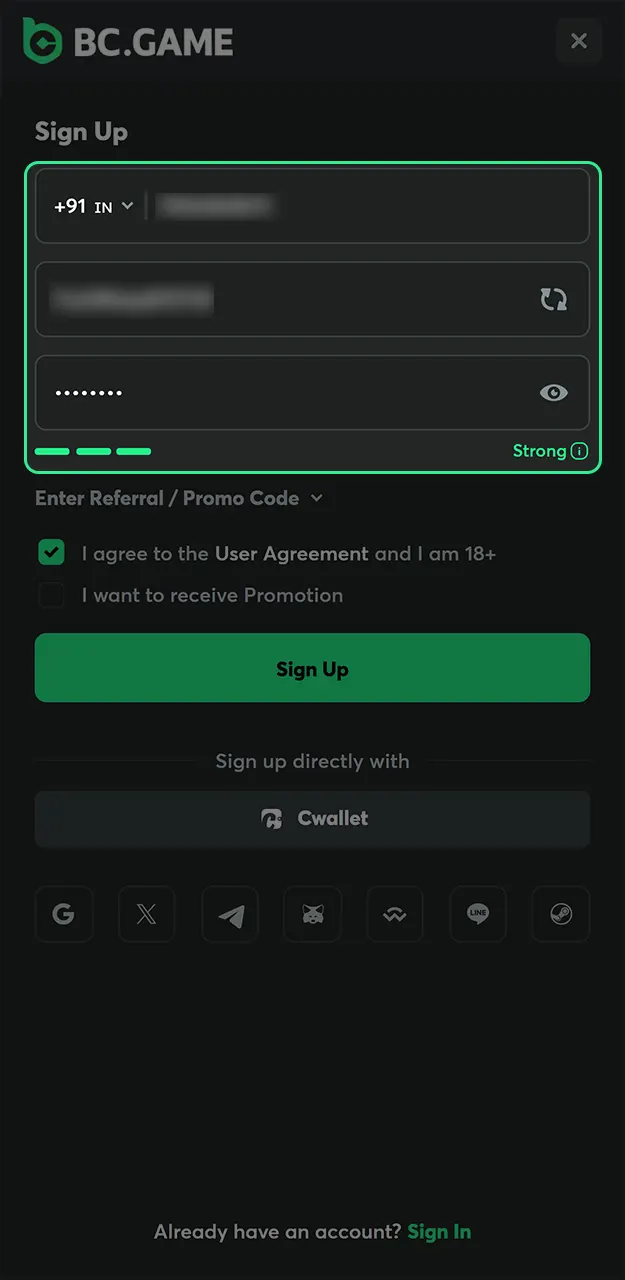
Accept the terms, complete account creation and claim your app cashback on the Quest page.
Login access works through standard credentials or quick authentication methods. The same options remain available on the website and app.
Passkey login and social media login remain available for faster access.
Account verification improves security and enables withdrawals. Two verification levels exist with different review times and document requirements.
Verification requests start from the account security section.
You can register and play without uploading documents. We usually ask for KYC before your first withdrawal, for large amounts or when a security check is needed. Having the documents ready speeds up the review.
| Document | What we accept | Verification level |
|---|---|---|
| Identity document | Aadhaar card, PAN card or passport | Basic |
| Selfie / face check | A live photo or short video taken in the verification window | Basic |
| Proof of address | Utility bill, bank statement or Aadhaar with your current address, issued within the last 3 months | Advanced |
Upload clear colour photos where all four corners and every line of text are visible. The name and date of birth must match the details in your BC Game profile, so use your real data from the first day. Blurred, cropped or edited files are the most common reason for a rejected request.
Once verified, you can withdraw without delays. See withdrawal methods and limits on our payments page.
Account creation follows a defined set of conditions that apply to all users.
Creating a BC Game account is quick, and a few habits keep it safe from day one.
Want to register from your phone? Install the app from our official app page. For full requirements, check our Terms of Service.
Referral codes connect new accounts to reward and commission programs. Entry happens during BC Game registration through the referral field. Rewards activate after a qualifying activity. Referral statistics remain visible inside the account panel.
Account data uses encrypted connections and protected storage systems. Login sessions, verification details, and wallet access remain secured through internal controls. Regular system updates support stability and protection against unauthorized access.
Responsible gambling tools support controlled play and balance management. Options include deposit limits, session reminders, and self-exclusion settings. These tools remain accessible through account preferences at any time.
Is BC Game legit? Yes. BC Game has operated since 2017 and is run by Twocent Technology Limited under licence No. ALSI-202410011-FI1 from the Autonomous Island of Anjouan, Union of Comoros. We apply verification and security controls to every account.
Yes. You can create an account without immediate verification, though your first withdrawal may require KYC checks. Limits and methods are listed on our payments page.
Yes. You can sign up and log in with Google, Telegram, Cwallet and other connected services.
Referral codes remain optional and do not block account creation.
Tap Sign Up, enter your email and a password, add a referral or promo code if you have one, confirm that you are 18+ and accept the Terms. You can also sign up in one tap with Google, Telegram, Cwallet and other services.
Open the Sign In window and tap “Can’t Login?”. Enter the email linked to your account and follow the reset link we send you to set a new password.
Yes. The Sign In window lets you choose between Password and One-time Code. You can also log in with Cwallet, Passkey, Google, X or Telegram.
Updated:
Comments